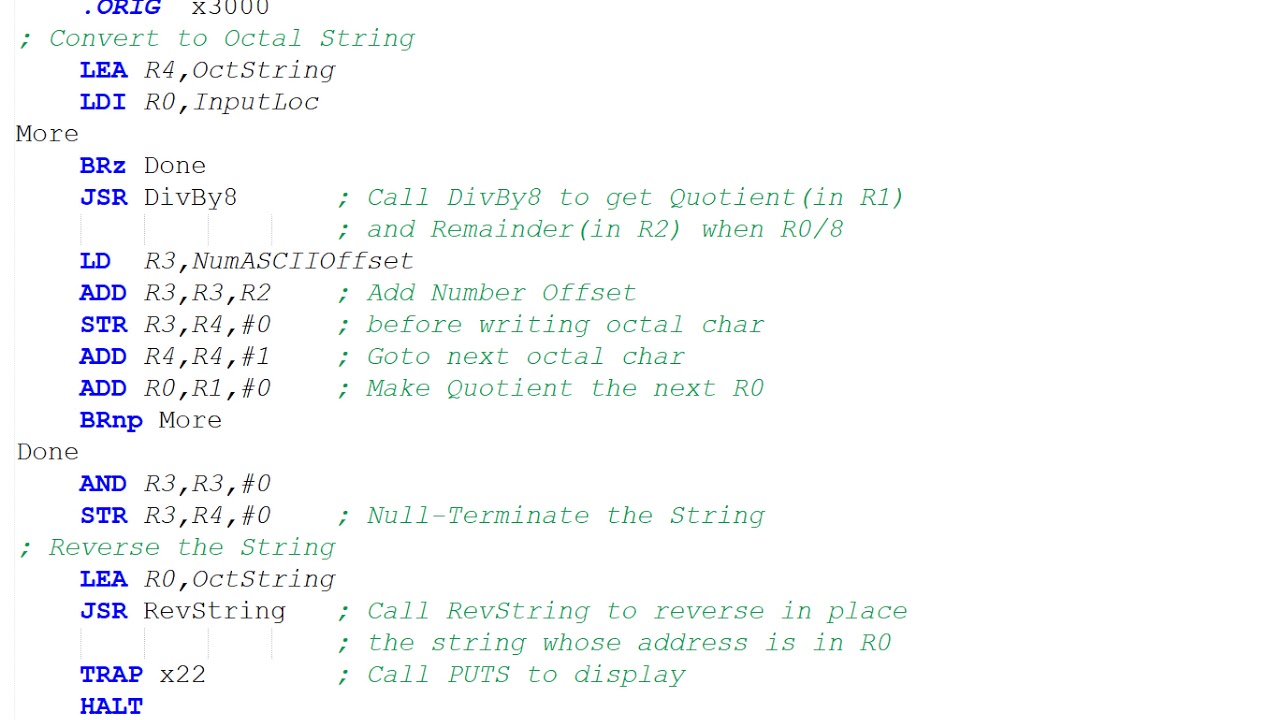
Learning Assembly Just Got Easier with a Modern LC-3 Computer Simulator

Focused on Learning: See the State Change
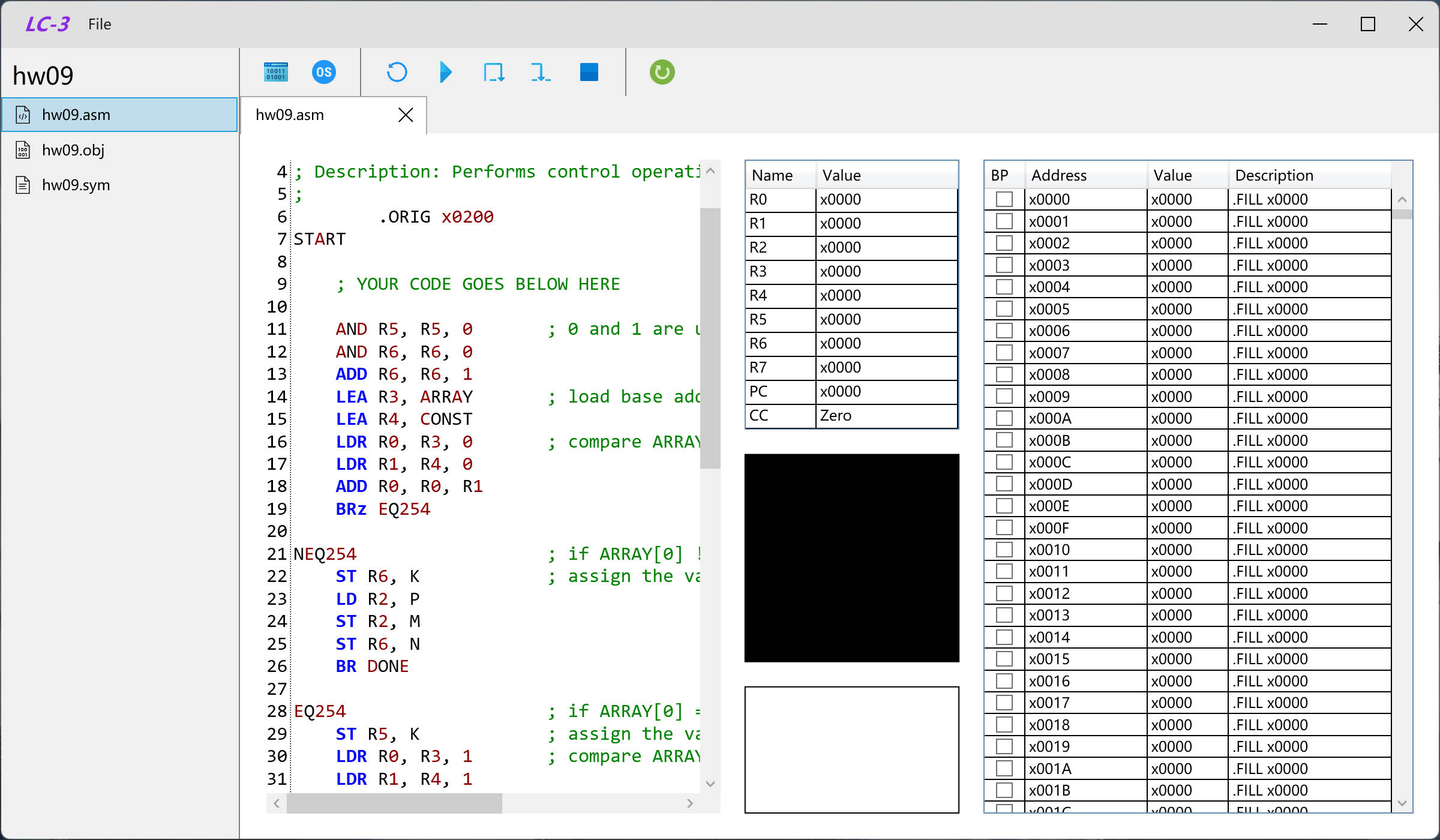
This LC-3 Simulator was built from the ground up to prioritize the student experience. The clean, modern GUI—built with Windows desktop technology—provides an unobstructed view of the machine's state, allowing you to see exactly how each instruction changes the computer.
Key features for visual learning:
- Clear State Views: Dedicated panels for the Program Counter (PC), Registers (R0–R7), condition codes (N/Z/P), and Memory. You can watch these values update in real-time with every step.
- Modern Interface: A clean, accessible design that avoids the clutter of older tools.
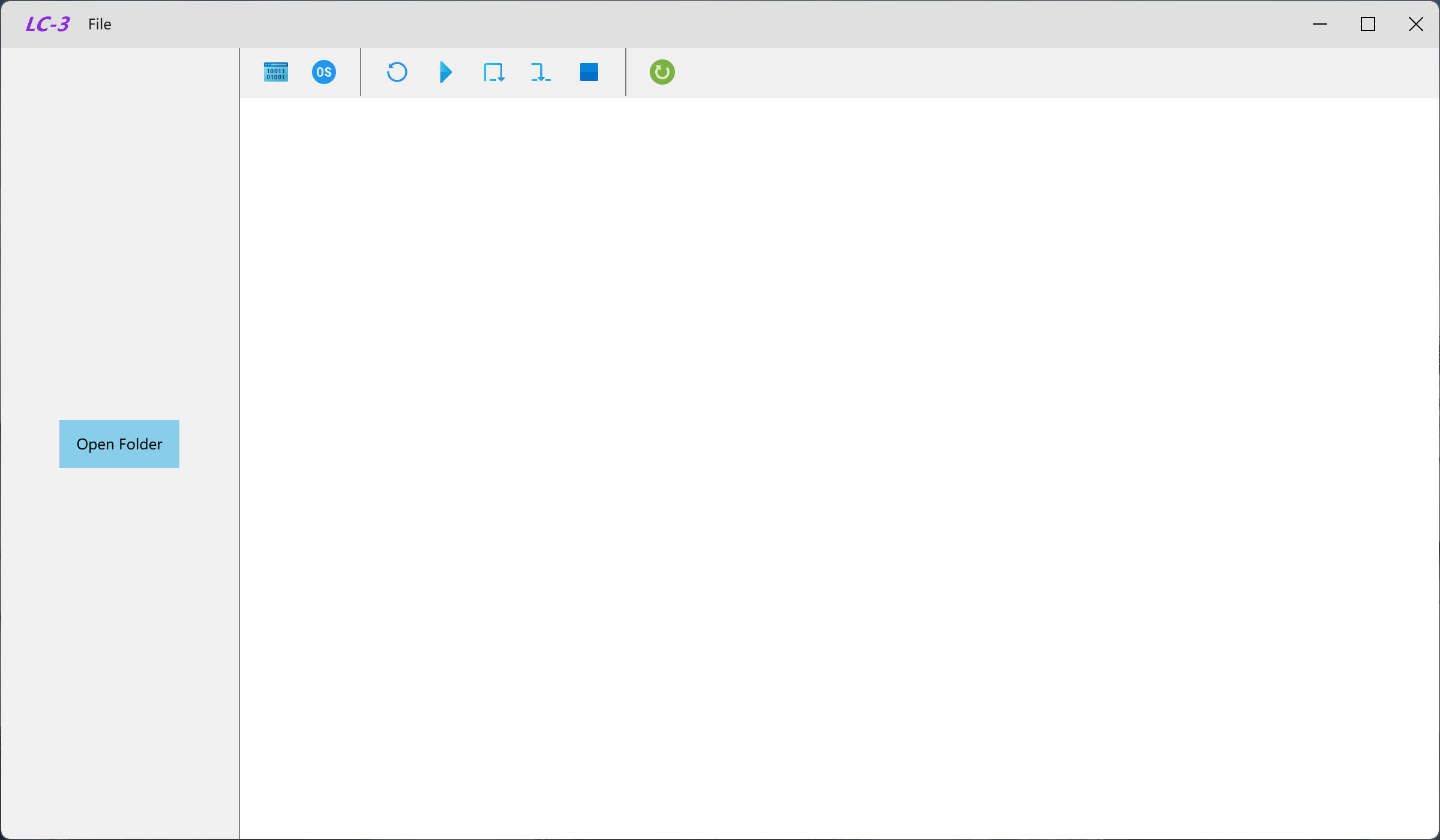
The main interface is where you load assembly and object files and watch the execution.
You can also view the code file being executed right alongside the state display.
Diving into the Instruction Set
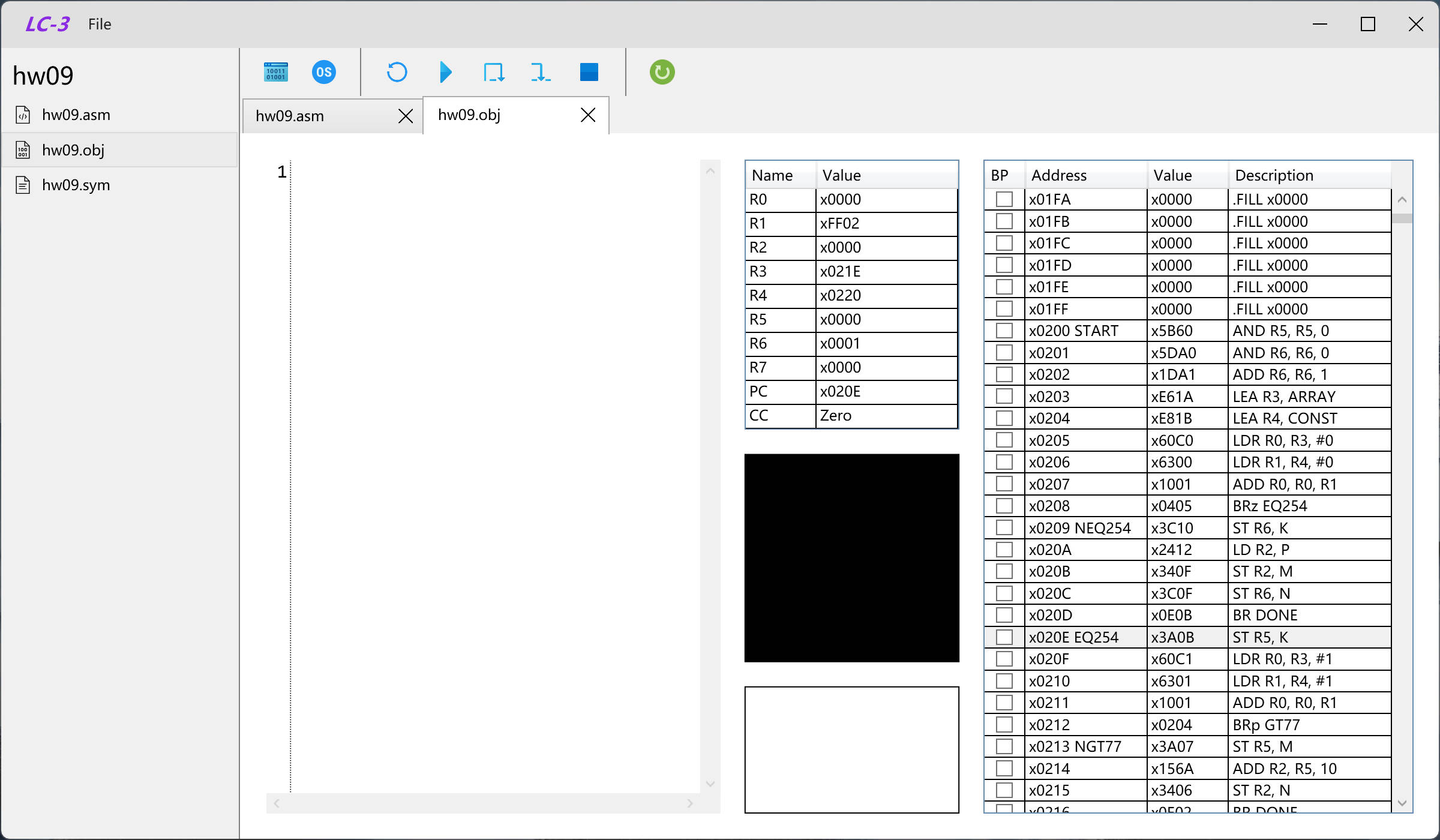
The core purpose of the simulator is to bring the LC-3's instruction set to life. You can load your LC-3 program and step over each instruction to observe the state changes, a critical method for understanding program flow and data manipulation.
The simulator supports the full core instruction set, including:
- Arithmetic and Logic: Instructions like ADD, AND, and NOT which perform 16-bit operations and immediately set the condition codes.
- Loads and Stores: Operations like LD, LDR, ST, and STR that move data between registers and memory (PC-relative, indirect, and base+offset addressing modes).
- Control Flow: All standard branching and control operations, including conditional branches (BR[nzp]), jumps (JMP, JSR/JSRR), and system calls (TRAP).
All ALU and load operations correctly update the N, Z, and P flags, which govern the behavior of conditional branches.
Getting Started
- Clone the Repo: Get the source code from the repository.
- Build: Open
LC-3_Simulator.slnin Visual Studio 2022 or use thedotnetCLI. - Run: Build and run the
LC-3_Simulatorproject. - Execute: Open or create an LC-3 program and start stepping through the instructions!
Main interface
Write code file
Step over each instruction
Current Status and The Road Ahead 🚀
The simulator is actively developed with a clear vision for the future.
Current Status
- Supported: Basic memory operations and single-step execution are fully functional.
- Limitations: The current version is Windows-only. I/O, TRAP services, and interrupts are not yet supported. Also, continuous run is currently disabled as it can cause UI instability.
Future Plans
Our roadmap is focused on turning this into a fully-featured, stable, and cross-platform educational debugger:
- Full Instruction Support: Implementing I/O and TRAP services (keyboard/console) and proper Interrupts handling, including the RTI path.
- Debugger Stability: Developing a stable continuous run loop with throttling and the addition of breakpoints.
- Cross-Platform UI: Moving toward a cross-platform framework to support macOS and Linux.
- Ergonomics: Adding advanced debugging features like watch variables and more detailed memory inspectors.
Contribute to the Learning Tool
This project is for the community of computer science students and educators. If you are passionate about correctness, UI/UX, or simply want to contribute test programs to validate instruction semantics, we welcome your involvement! Feel free to open issues or submit pull requests.
The LC-3 is for education, and our goal is to make that education easier and more effective by providing a tool that truly visualizes the machine's inner workings. Happy stepping!
- Title: Learning Assembly Just Got Easier with a Modern LC-3 Computer Simulator
- Author: Fireflies
- Created at : 2023-11-03 14:54:13
- Updated at : 2026-04-02 08:44:38
- Link: https://fireflies3072.github.io/lc3-simulator/
- License: This work is licensed under CC BY-NC-SA 4.0.